Table of Contents


Ready to create more pipeline?
Get a demo and discover why thousands of SDR and Sales teams trust LeadIQ to help them build pipeline confidently.


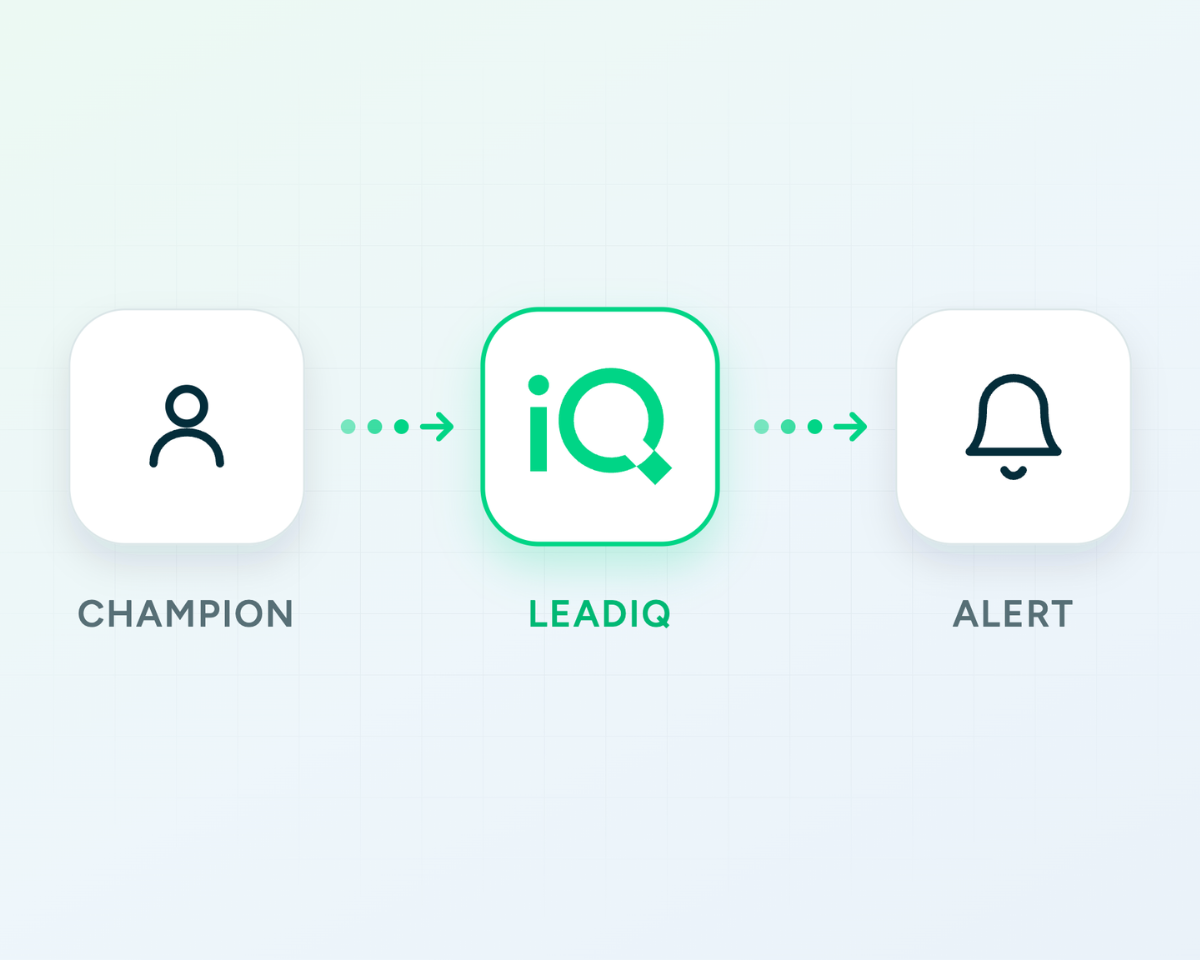

Automated champion tracking turns a weekly manual task into a standing system. Paste your list once, get a Monday morning digest with anyone who moved and a ready-to-send outreach message.
The contacts who matter most in your pipeline are the ones who already know your product. Consistent monitoring means you act on their job changes within days, not months.
Combining this prompt with a pre-built re-engagement sequence means that from movement to first outreach can be under an hour, which is the window where warm outreach converts at the highest rate.
Get a demo and discover why thousands of SDR and Sales teams trust LeadIQ to help them build pipeline confidently.
The champion check prompt tells you if one contact has moved. This prompt sets up a system that monitors your full list and reports back every week automatically. AI sales automation for champion tracking used to require a dedicated point solution and a RevOps team to wire it together. With LeadIQ MCP and Claude Cowork, you define the contact list once and get a weekly alert every time someone moves, complete with new contact info and a suggested outreach message, without running a single manual search.
The manual version of champion tracking doesn't scale. You can check five contacts. You can't check 200 on a weekly basis without a system. Most teams rely on LinkedIn notifications, which are inconsistent, or CRM alerts that only fire when someone manually updates a record. The contacts who matter most — champions from closed-won deals and high-value accounts — go unmonitored because there's no practical way to watch all of them at once. The result is a pipeline full of relationships that quietly expire.
LeadIQ MCP connected to Claude Desktop or Claude.ai, and Claude Cowork for the recurring schedule. Set it up here, takes about 5 minutes.
Set up a weekly Cowork routine that runs every [day, e.g. Monday] at [time, e.g. 8am]. Using LeadIQ champion tracking, check if any of these contacts have changed jobs in the past 7 days: [paste list of contact names and their previous companies]
For anyone who has moved, return:
Send me a summary even if no changes are detected.
Paste your champion list once and Cowork runs this check on the schedule you set. You get a summary every Monday morning whether contacts moved or not, so you're never wondering if the check ran.
A weekly digest of champion movements: anyone who changed companies in the past 7 days, their new contact details, and a ready-to-send outreach message for each one. If no one moved, you get a confirmation. The result is automated champion tracking running in the background on every contact you care about, surfacing warm opportunities on a schedule.
As many as you want. For lists of 200 or more, group them by segment or territory so the weekly digest is organized by the context that matters to you.
The single check is an on-demand lookup for one contact when you have a specific reason to look. This prompt is a standing system that runs every week on your full list. Use both: the single check for ad hoc needs, this one for ongoing monitoring.
Yes. The scheduled routine runs through Claude Cowork, which handles the schedule and sends the weekly summary. The setup guide walks through how to configure Cowork with LeadIQ MCP.
LeadIQ MCP works inside Claude Desktop, Claude.ai, and Claude Cowork. To explore more prompts like this one, visit the full prompt library. Or book a demo to see it running with your real accounts.